


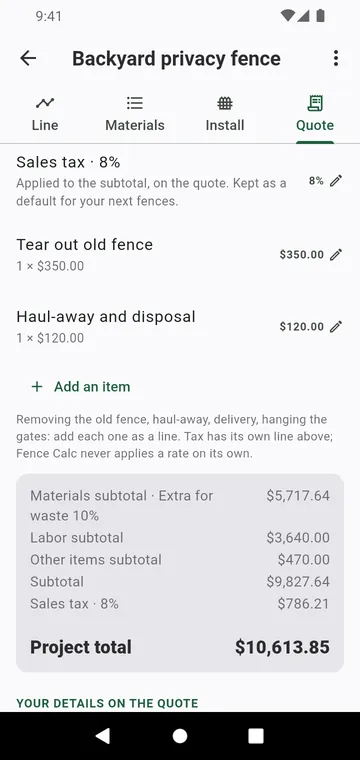
What the quote holds
- A drawing of the fence.
- The order list, with each subtotal and the project total.
- Your details at the top: name or company, phone, email, a validity note.
- A quote number and date, and your customer's name.
Numbered, then frozen
The quote takes its number the first time you tap Share the PDF. From then on its prices are frozen: a later change to a supplier's price list does not change it. New number and date takes a new number at today's prices. Lines without a price stay off the quote, and the app lists them before sharing.
No subscription
Quote apps for contractors usually charge every month. Fence Calc does not: every feature is free, and one purchase removes the ads.