


Post by post
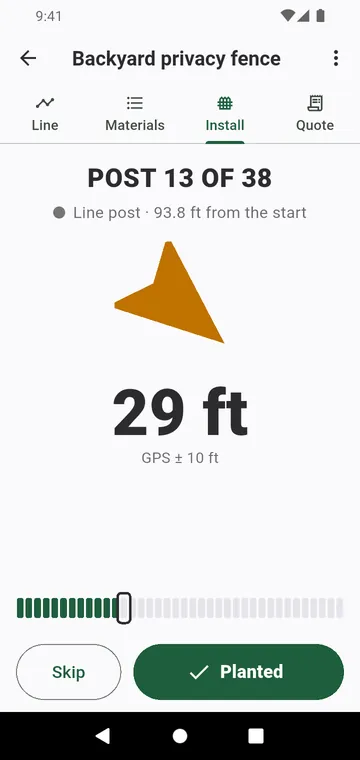
Start installing shows the next post to set, with an arrow, its distance and its type; the screen stays on. Planted moves on to the next post, Skip leaves it for later. The next day, the fence reopens on the post where you stopped. Drew the line at your desk? Follow it on site, live.
The staking plan
The Staking plan, in the ⋮ menu of a fence, numbers every post on the map with its distance from the start. Tap a post, then Go to point, to be guided to it. The GPS places each post only approximately: finish with the tape from the previous post.